Help
Help
Create my account
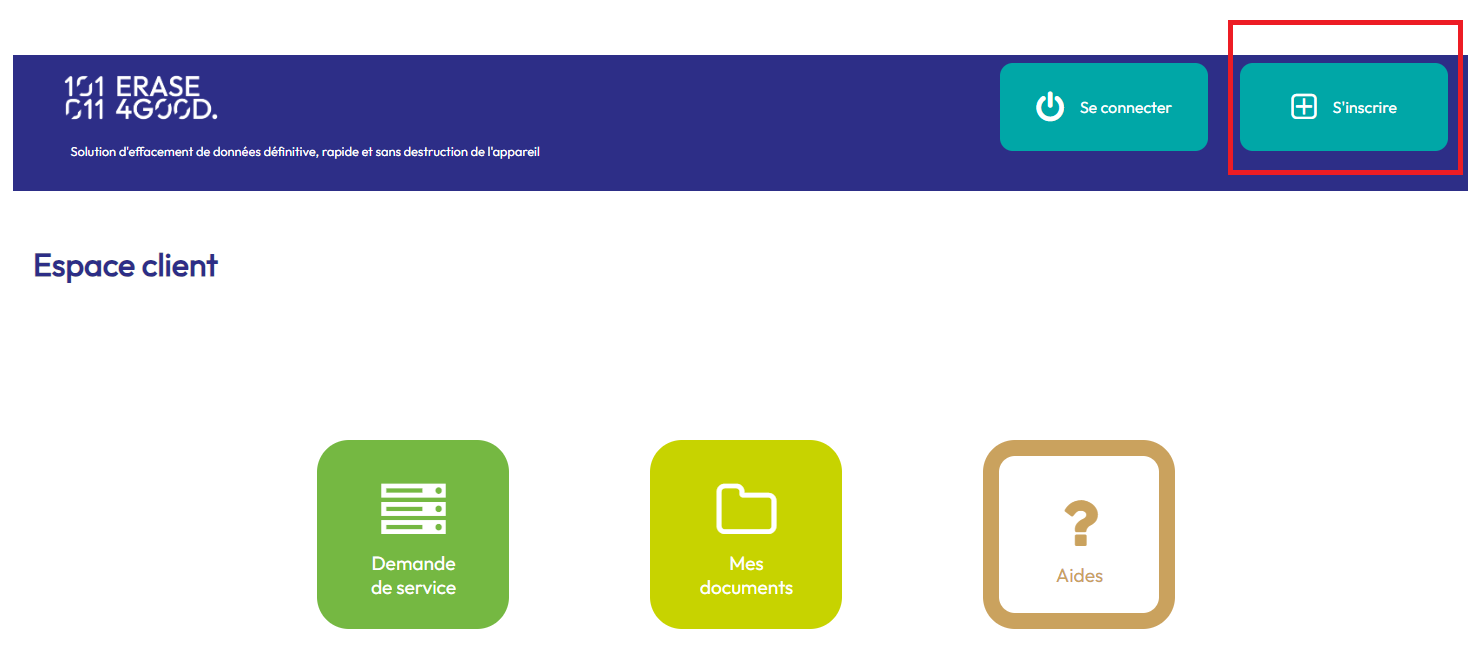
You will need a client account to access this portal services On the homepage, click on "Sign up" to access the form.
The
"Username" and
"Email" fields must be unique and won't be authorized if already used in another account.
The address you define will be the default one for billing and shipping.
You can change them when updating your account.
A mail was sent to you to confirm your account creation. You will be able to connect after clicking it.
Edit my account
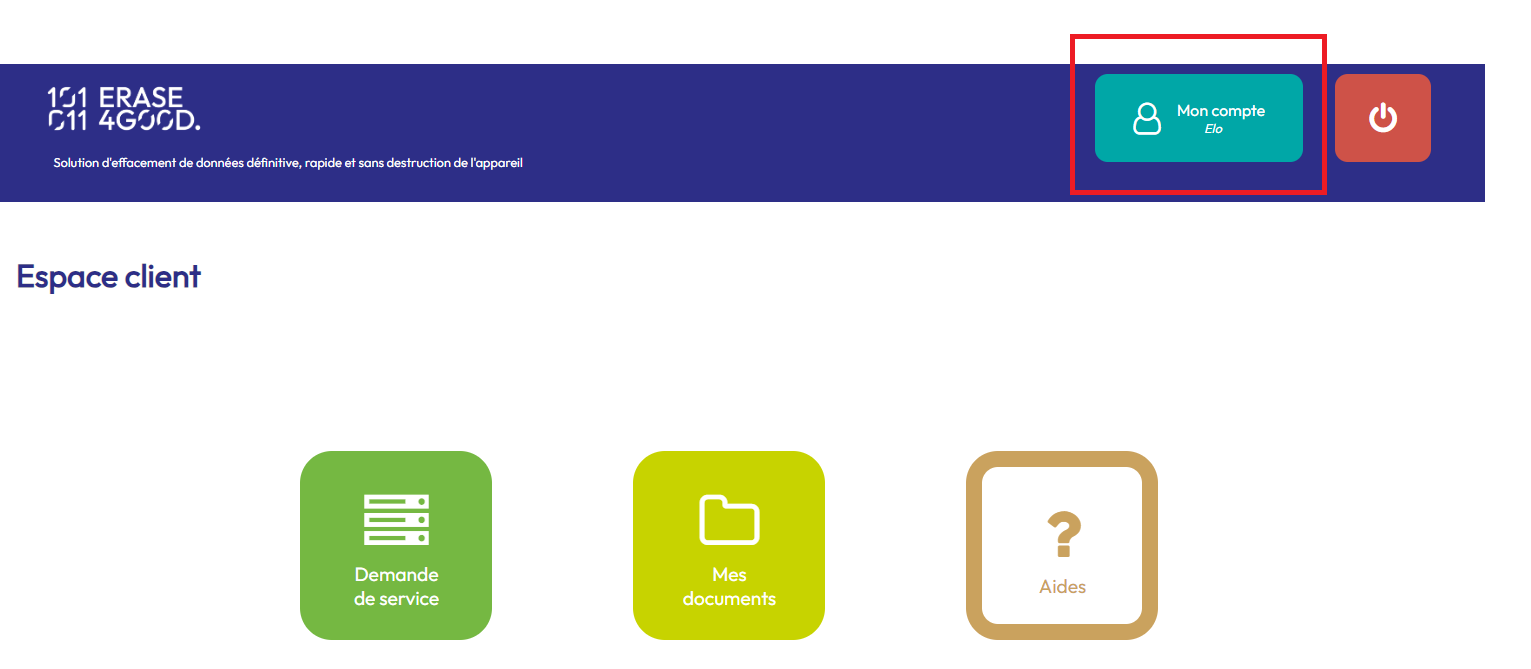
Once connected you can see your account informations by clicking on "My account".
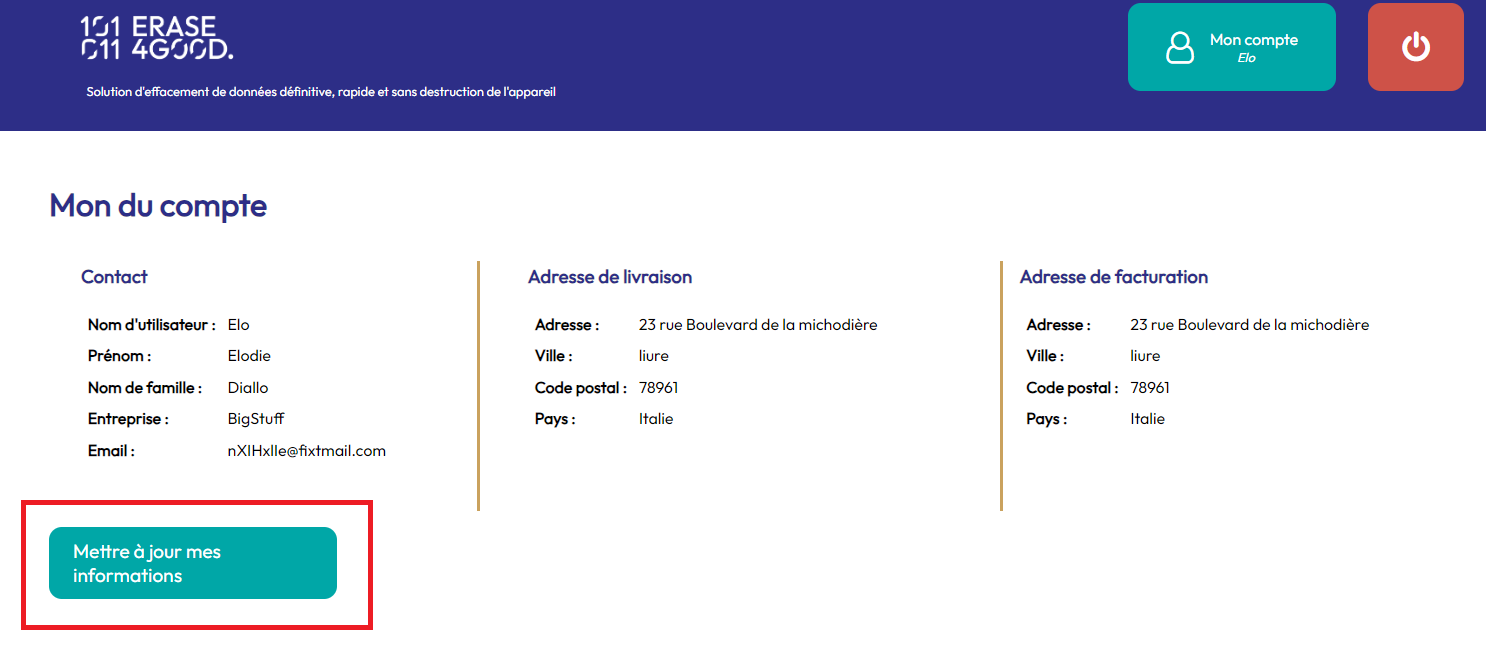
From this page, you can click on "
Update" to modify your profile.
Make a service request
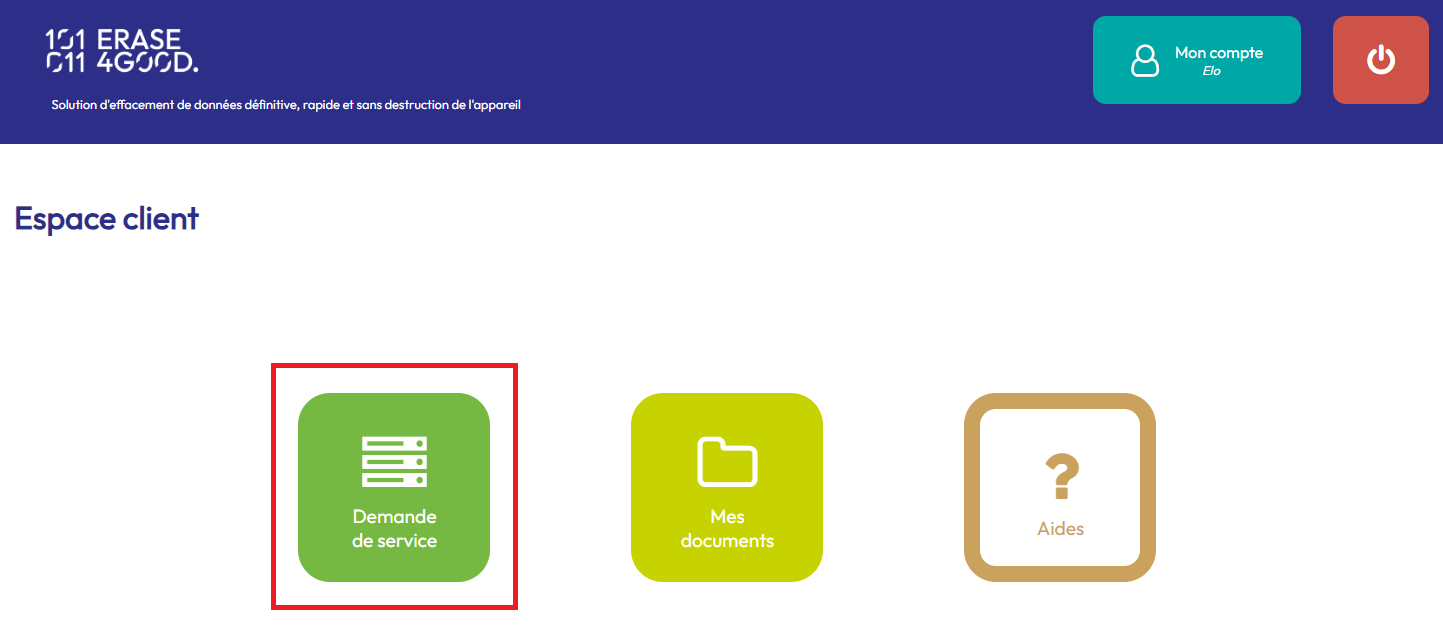
To ask for a wiping of your handsets, click on "Service request" from the Homepage
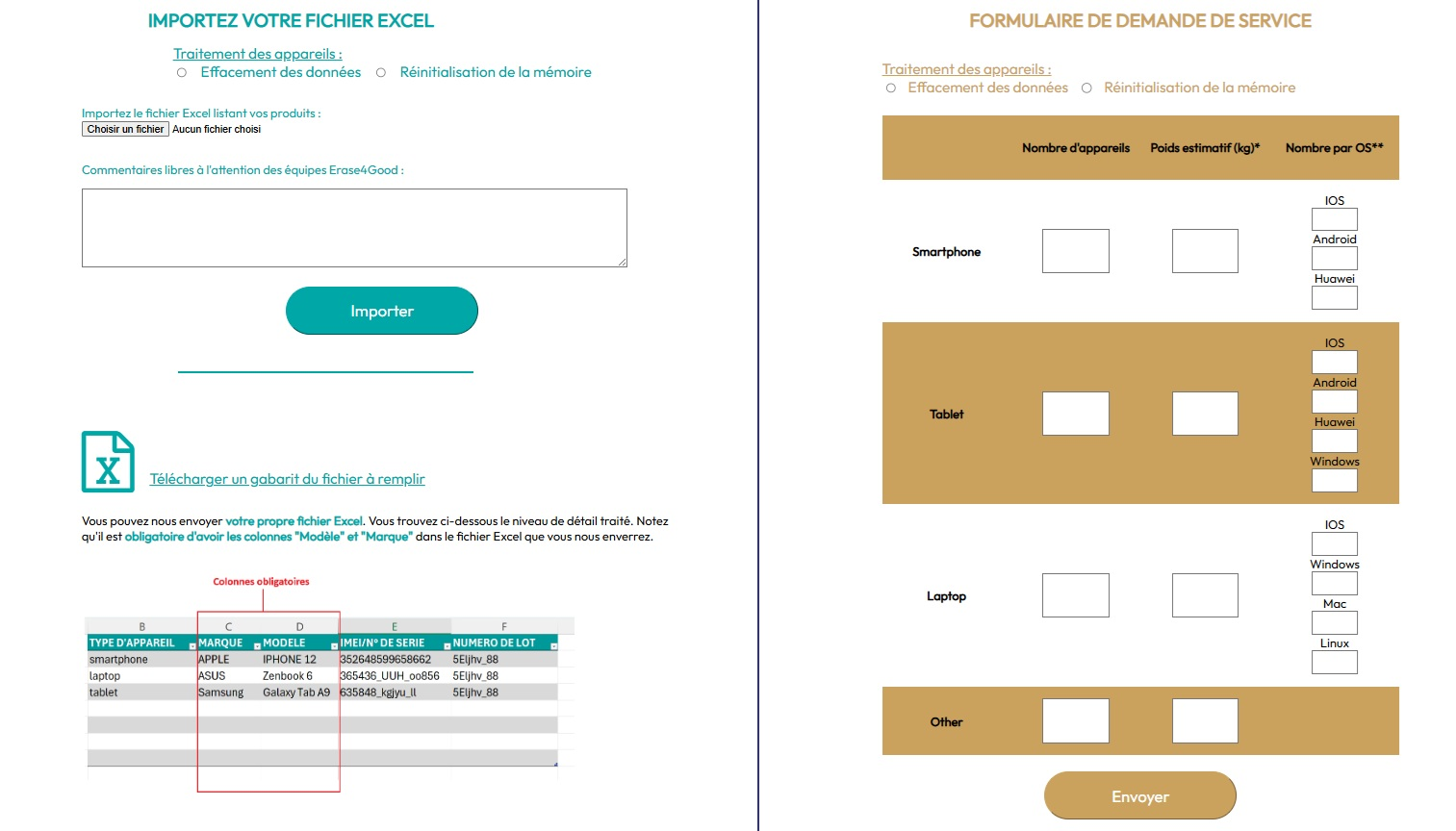
On the dedicated page, you have 2 options to trigger your service request. First one through sending
an Excel file listing the devices to be treated. Second option going through
filling a web form.
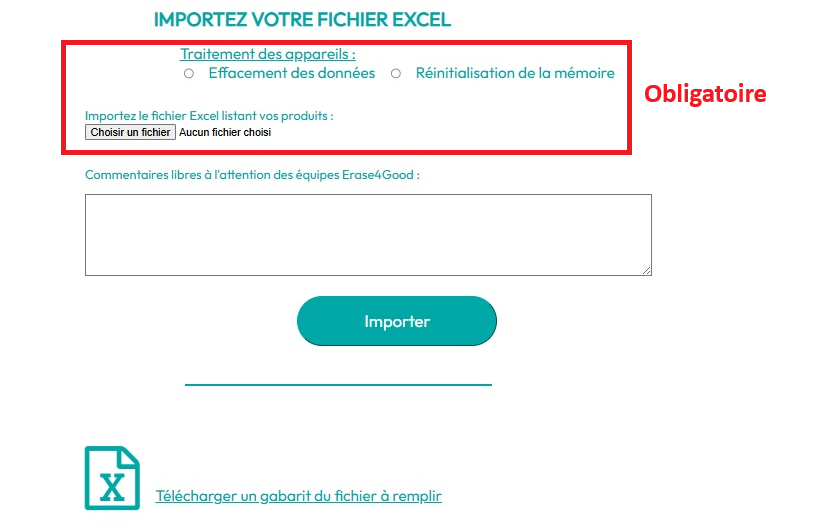
Excel file : On the import form, choose
the desired process type (Memory wipe/Device data reinitialization) then select the Excel file listing your devices by clicking on "Choose a file". A free comment field allows you to add a message to Erase4Good teams if needed.
The excel file must list at least
the model and the brand of each device. However, we encourage you to fill in as many details as possible for an optimal processing of your devices. You can download a template of the file to be filled in by clicking on the link "
Download a template of the file to be filled in" located below the import button. You can also send us
your own file if it contains the necessary information.
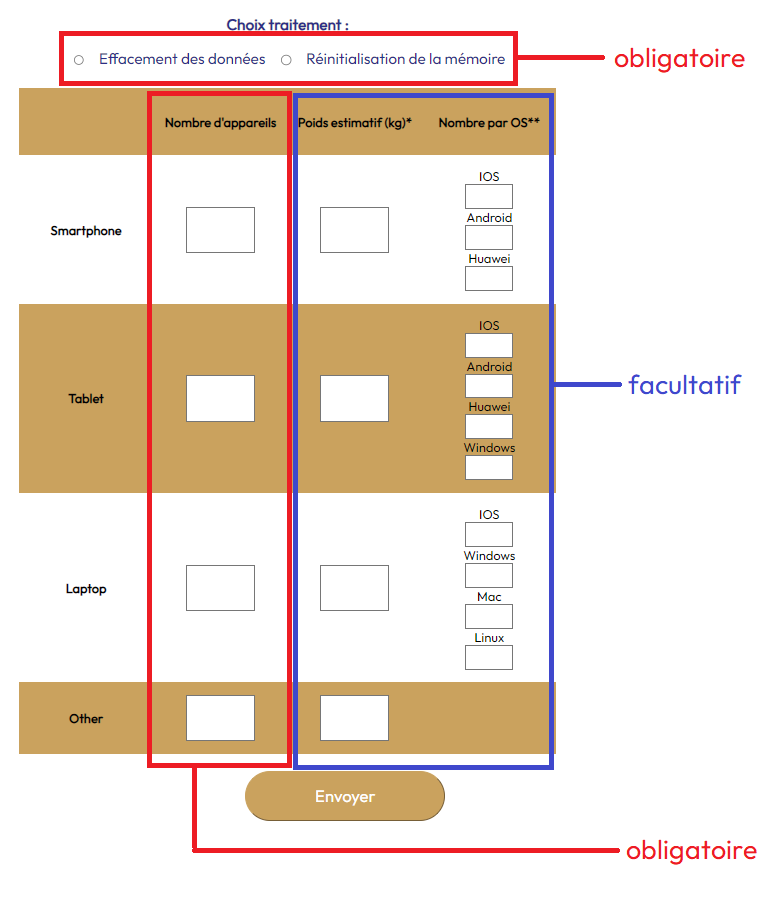
Web form : On the request form, the minimum informations required are :
the desired process type (Memory wipe/Device data reinitialization) and
the number of items per device's type (Smartphone, Tablet, Laptop, Other).
If possible, do estimate the weight of each type to and the number of items per operating system. Those optional fields will help the smooth running of our processes.
Once your request sent, you'll receive an email from our team.
Below, you will be able to see the registered addresses for your account. The shipping address registered during creation was automatically applied to your billing address. You will be able to modify them on your account pages :
on the profile update interface.
Handsets shipping
Please ensure the handsets sent are well protected.
Erase4Good will diagnose the state of your handsets in order to maximise its reuse. Our team systematically seeks the best environmental income while processing our client's equipment. If you wish to force the destruction of some of the handsets, make sure to indicate it directly on the sent items so that we can sort them out at reception.
Once your equipment properly described, we will establish the service quote.
My documents
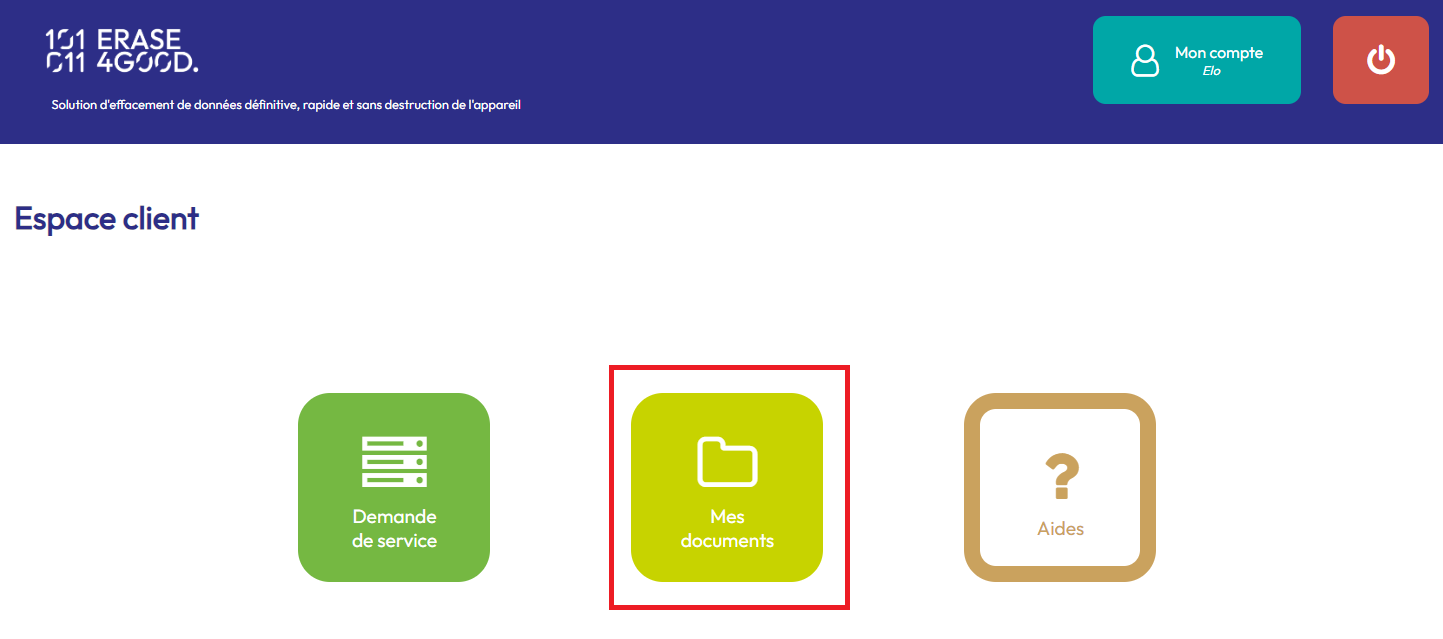
You can access all your documents on your document space. To access it, click on "My documents" from the Homepage.
On this page, each line correspond to a service request. You will find
your quotes, bills and generated certificates. You can
download them by clicking on the icone.
The
status will show you if actions are to be implemented on your en :
{# - Quote :
- Pending signature
- Vérification de la signature
- Signed
#} - Bill :
Download my certificates
Once the handsets processed, we will send you the prestation bill (also available on your document space). Once payment is confirmed, your certificates are generated and placed on your document space :
- One certificate per handset
- one PDF version
- one XML version
You can of course download them
Processus Erase4Good
Erase4Good diagnose each handset individually in order to maximise the residual value of each item. We aim the handset reuse. If not possible, the handset is dismantled and its parts are reused for repairing other items.
The handset's destiny depends on :
- its state :
- Functional : The handset works, we can access its data through normal user interface.
- Impossible interaction : handset switches on but it is impossible to interface with it.
- Non functional : handset does not switches on.
- Le process types applicable:
- LONG : data are fully wiped.
- SHORT : lblocked access to memory.
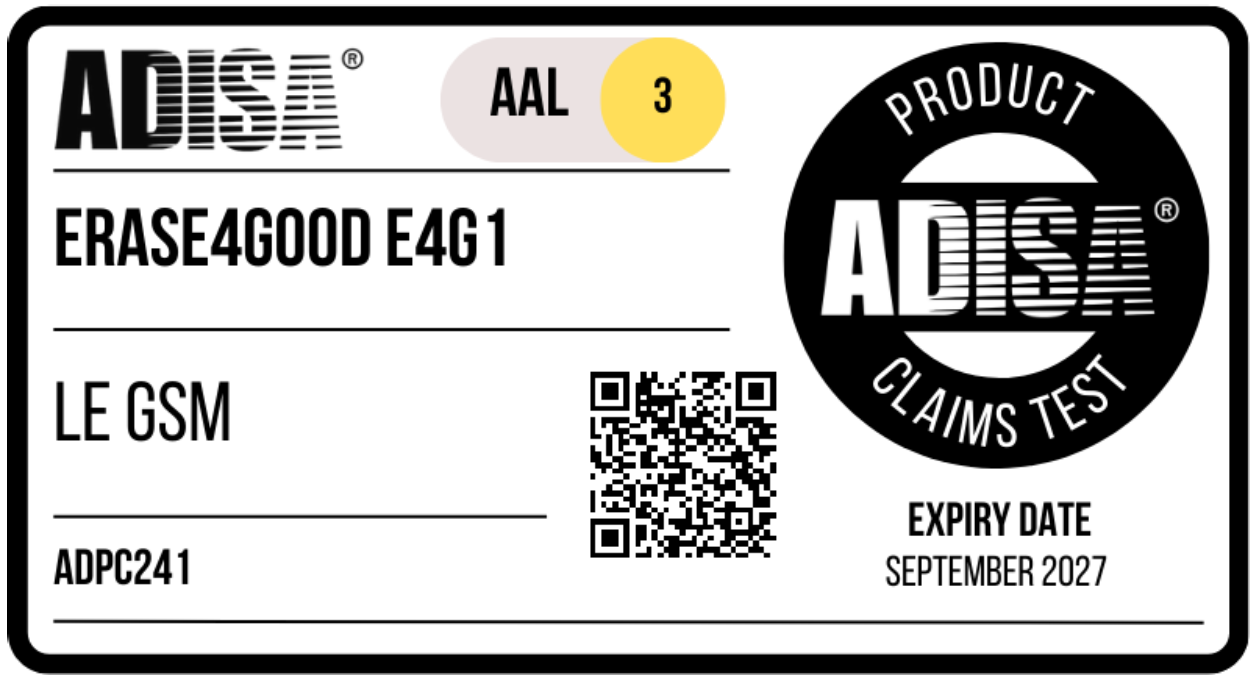
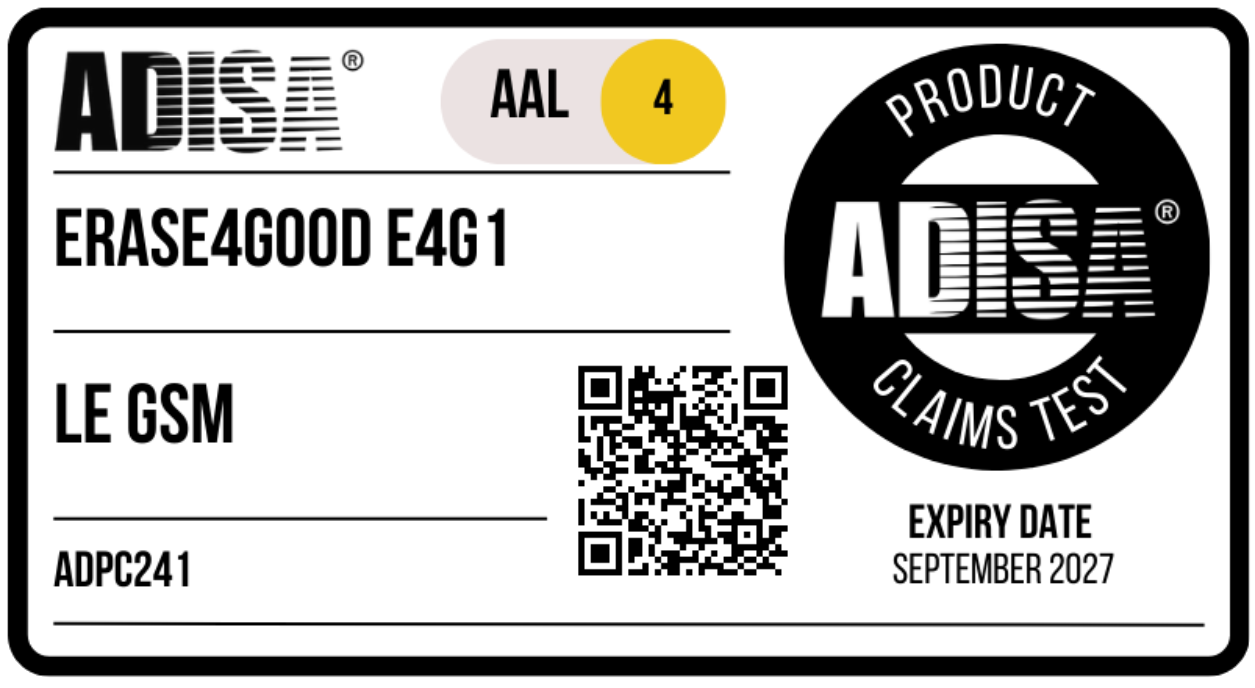
Certified environmental indicators are established on the basis of
publicly available datapublished by ADEME in November 2022. These indicators dpend on the handset type and its destiny following or processes.